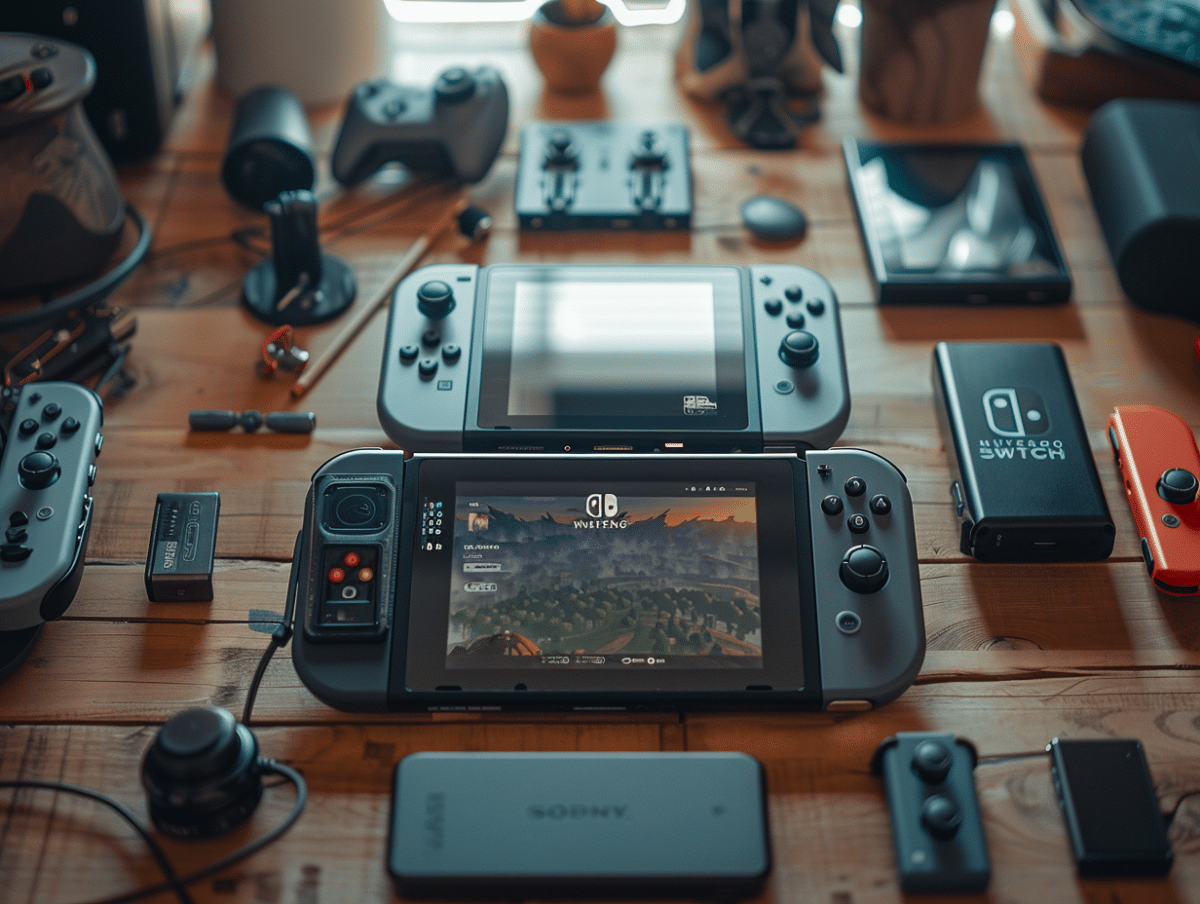
The Nintendo Switch, since its launch in 2017, has won the hearts of millions of gamers around the globe. However, like any technological device, it is not free from technical issues. Users frequently encounter problems such as faulty Joy-Con controllers, frozen screens, or connectivity issues.
In the face of these difficulties, there are several simple and effective solutions. For example, for Joy-Con that are not responding properly, recalibrating in the console settings or a thorough cleaning can often resolve the issue. For frozen screens, a forced restart usually allows you to resume the game where it left off.
Resolving Battery and Storage Issues on the Nintendo Switch
The Nintendo Switch, with its multiple variants like the Switch OLED and the Switch Lite, is appealing due to its versatility. Battery and storage issues can arise, affecting the gaming experience.
Battery Issues
The decline in battery performance over time is a common phenomenon. The standard Switch offers variable battery life, while the Switch OLED provides between 4.5 and 9 hours of use, and the Switch Lite between 3 and 7 hours. If your Switch won’t turn on, it is possible that the battery is completely drained. Charge the console for at least an hour before attempting a restart.
To optimize battery life:
- Charge the console every six months if it is not in use.
- Avoid letting the battery completely discharge.
- Use official chargers to prevent damage from inadequate power supply.
Storage Issues
With only 32 GB of internal storage for the standard Switch and 64 GB for the Switch OLED, space can quickly run out. Fortunately, the console can use a microSD card of up to 2 TB.
To manage storage space:
- Insert a microSD card to increase storage capacity.
- Delete or move games and saves to the microSD card.
- Use online storage services to back up game data.
These solutions help keep your console in good working order and optimize your gaming experience.
Solutions for Connection and Display Issues on the Nintendo Switch
Connection Issues
The Nintendo Switch uses Wi-Fi 5 and Bluetooth 4.1 to connect to the network and accessories. Problems can occur when the console fails to connect to the Internet or when the connection is unstable.
To improve your console’s Wi-Fi connection:
- Place the console near your router.
- Avoid interference by keeping other electronic devices away.
- Restart your router and your Switch.
In case of a LAN connection, check the cables and ensure that the dock is properly configured. Bluetooth issues can often be resolved by turning airplane mode off and on again, or by restarting the Switch.
Display Issues
The screen of the Nintendo Switch may exhibit dead pixels or display bugs. These issues can be related to hardware defects or software errors.
To resolve display issues:
- Check for firmware updates for the console.
- Restart the console in safe mode to diagnose errors.
- If problems persist, contact Nintendo’s technical support.
In case of connection problems with the television, ensure that the HDMI cable and the HDMI port on the TV are functioning. Clean the ports and check the audio-visual settings of your TV and your Switch.
These solutions aim to restore a smooth and uninterrupted gaming experience on your Nintendo Switch.